Security and authentication
This guide describes how to configure the data access security in the Flexmonster server.
Basic authentication
By default, Flexmonster server is accessible to anyone who can reach its host. To restrict access to the server, configure the built-in Basic authentication.
Step 1. Create a user
Step 1.1. In the Admin Panel, go to Security > Add new user. You will see the Add new user view:
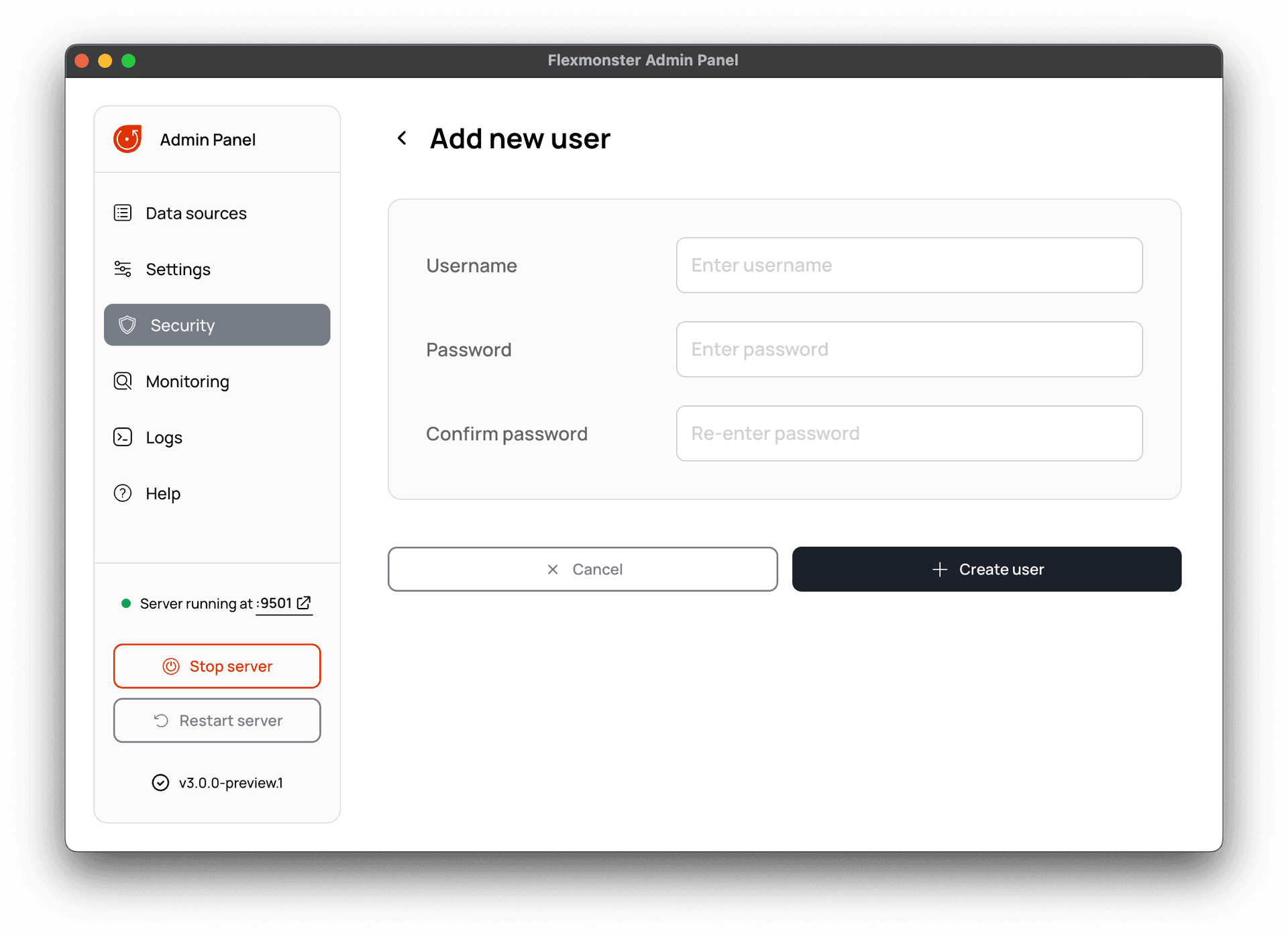
Step 1.2. Enter a username and a password. Note that once the user is created, you cannot change the username.
Step 1.3. Select Create user to add a new user.
To change a password for the user or to delete the user, select the username and make the necessary changes in the Edit user view.
Step 2. Enable Basic authentication
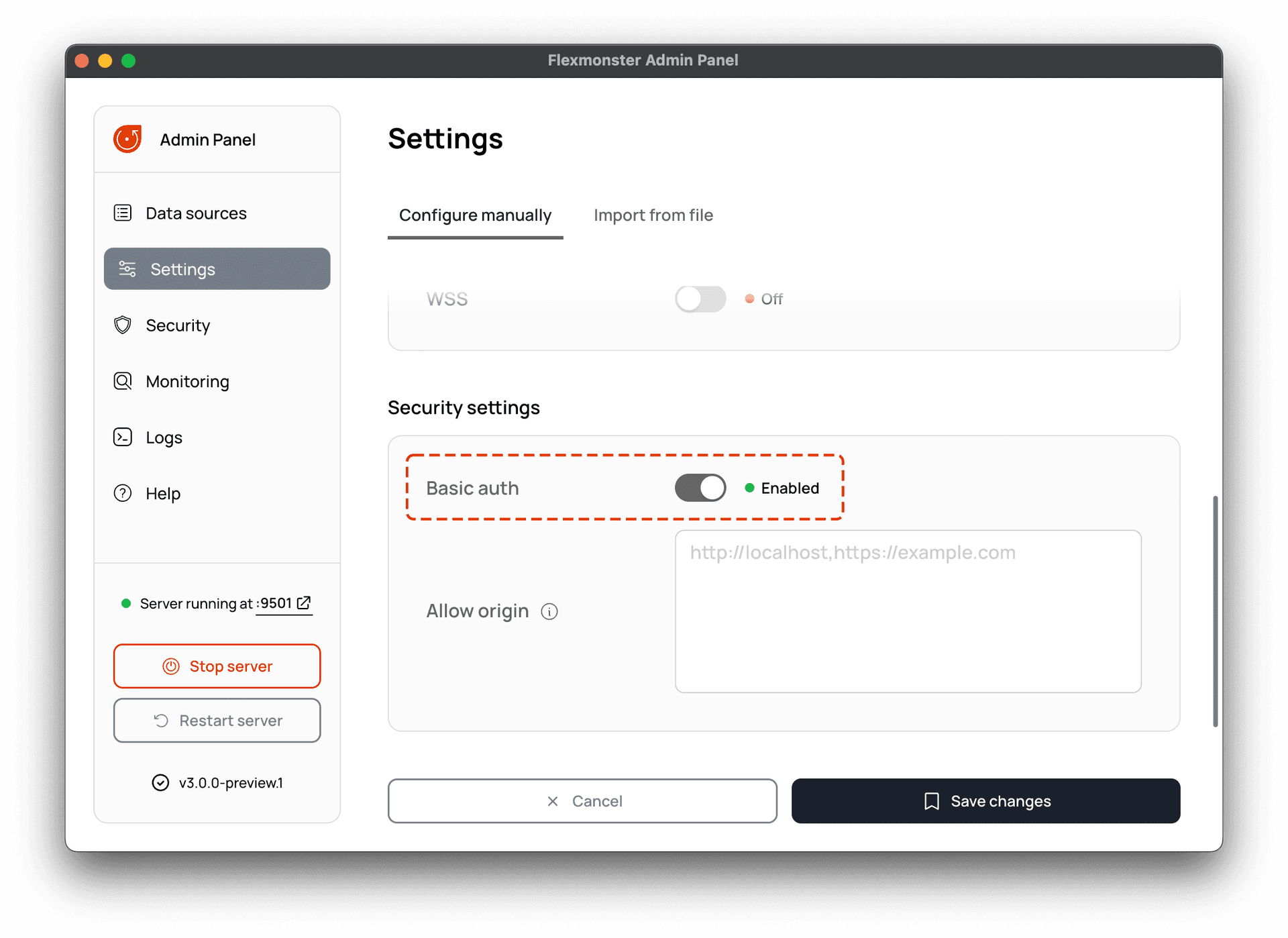
Go to Settings > Security settings. Then, turn on the Basic authentication using the Basic auth toggle switch:
Step 3. Configure CORS
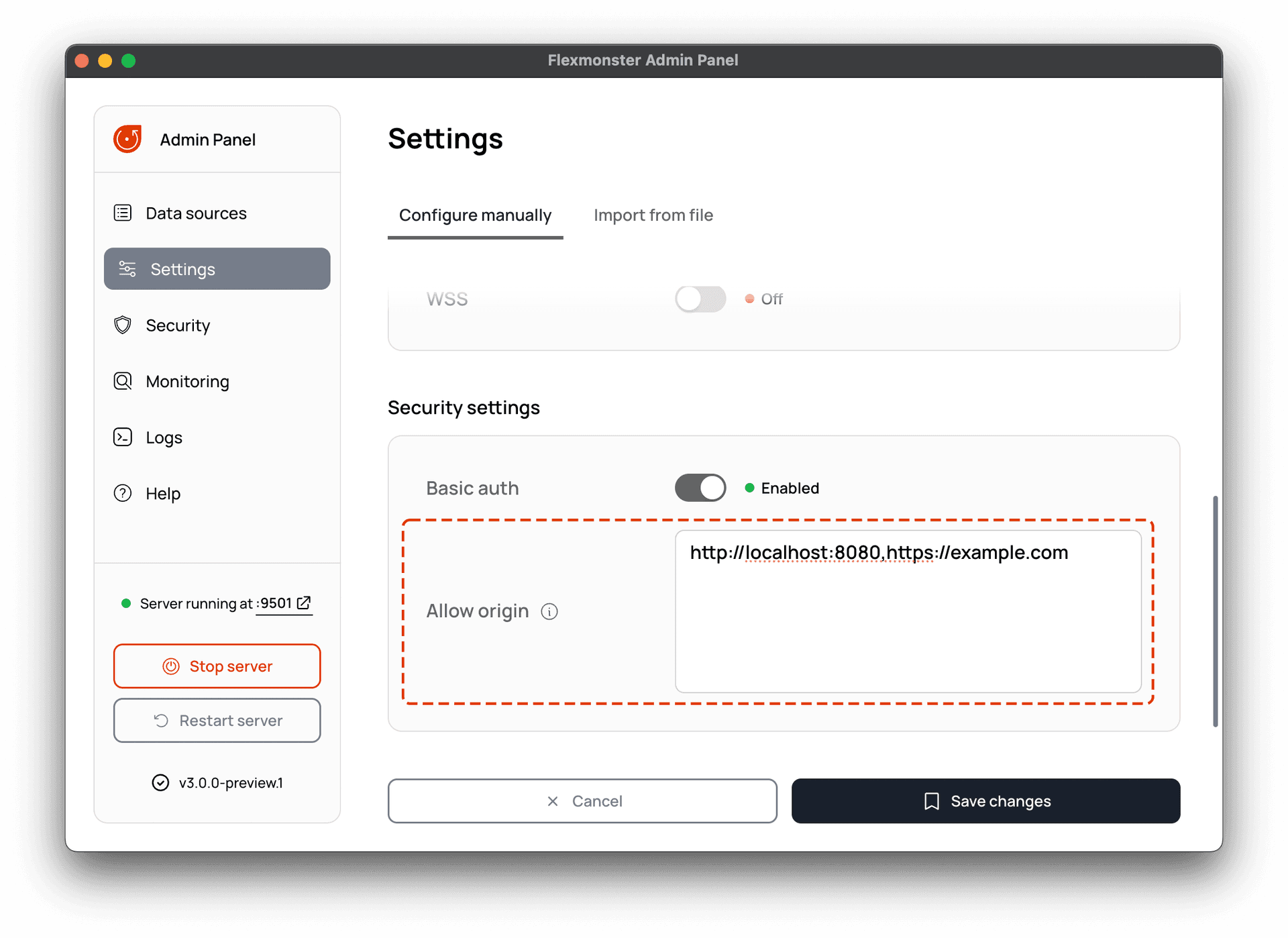
Basic Authentication requires certain origins to be defined in the Access-Control-Allow-Origin header. Origin is a domain that sends requests to the Flexmonster server (e.g., http://localhost:8080 or https://example.com).
To specify origins, go to Settings > Security settings and enter them in the Allow origin input field. Several origins should be separated with a comma. See an example:
Select Save changes to apply the Basic auth and CORS configurations.
Step 4. Specify credentials on the client side
There are two ways to specify credentials in the Flexmonster UI:
Configure a secure WebSocket connection
All data sent over an unsecured WebSocket is not encrypted and can be inspected. To make the Flexmonster server more secure, follow the steps below to configure a secure WebSocket connection.
Step 1. Enable WSS
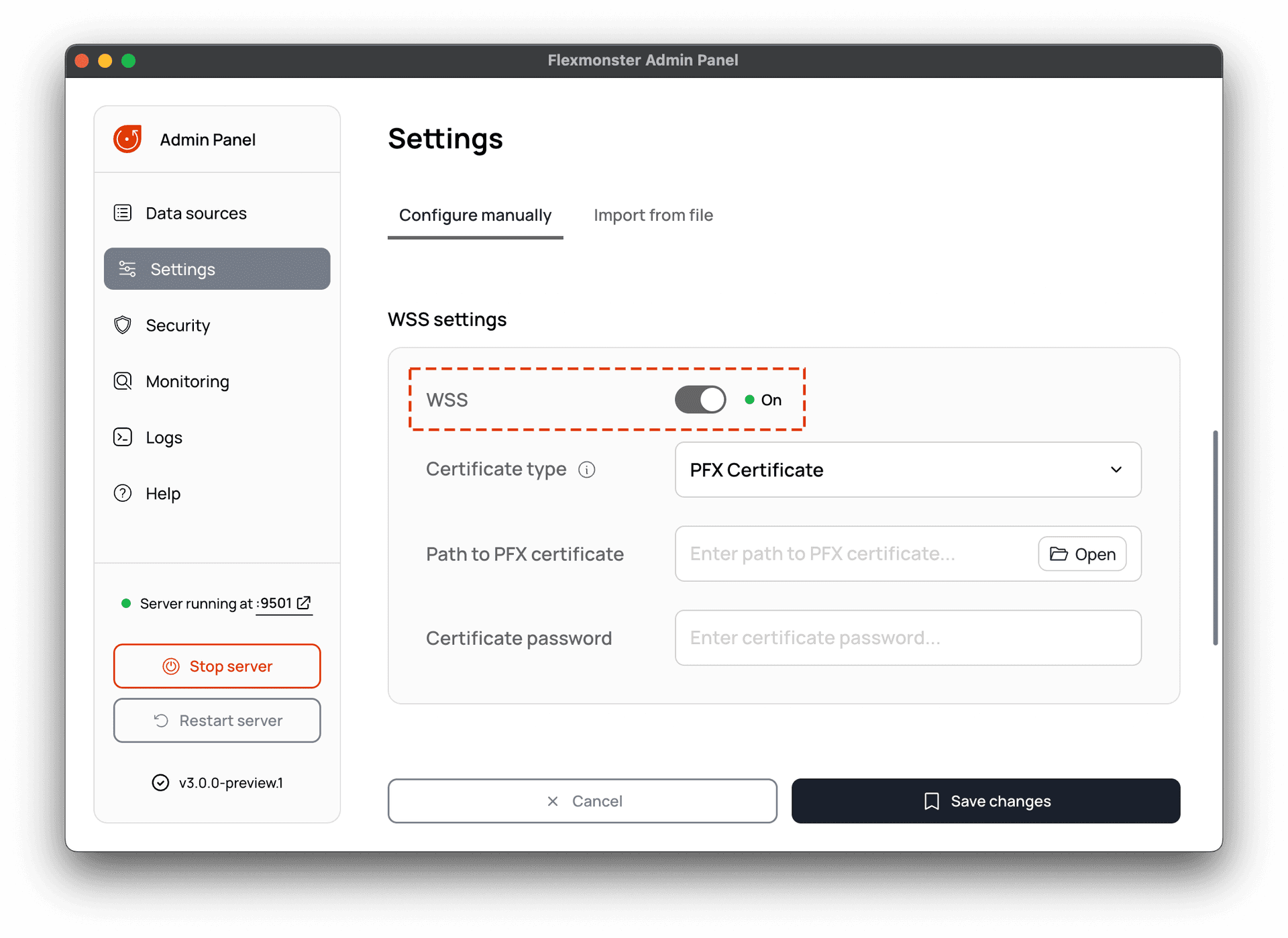
In the Admin Panel, go to Settings > WSS settings. Enable the secure WebSocket using the WSS toggle switch:
Step 2. Add a certificate
The server supports PFX and PEM SSL/TLS certificates:
Step 3. Save the changes
Once you have enabled WSS and added the certificate, select Save changes. You can now connect to the Flexmonster server via WSS when configuring the connection on the client side.